Quick Answer
Flood-damaged electronics are often salvageable if power is removed immediately, the device is not turned on, and professional ultrasonic or deionized-water cleaning begins within 24–48 hours. Beyond that window, corrosion accelerates sharply — especially after Category-3 or saltwater exposure. Paper documents and photos follow a different clock: once mold starts, usually within 24–48 hours on wet paper, vacuum freeze-drying is the best rescue option. Data recovery from drives is possible even when the device itself cannot be saved. Framing this correctly: salvage is case-by-case, never guaranteed — but professional intervention consistently recovers more than DIY air-drying.
Key takeaways
- The single most important step: disconnect power and remove batteries immediately — energizing a wet device causes short-circuit damage that destroys boards that would otherwise be cleanable.
- Corrosion begins within hours of flooding; the 24–48 hour window is the point past which recovery rates drop sharply, especially with Category-3 or saltwater exposure.
- Professional electronics restoration uses ultrasonic cleaning and deionized-water rinsing — methods that reach every trace and component a cotton swab cannot.
- Documents and photos are stabilized by vacuum freeze-drying: freezing halts mold growth and ink bleed, then sublimation removes moisture without further damaging the paper.
- Data recovery from hard drives and flash storage is often possible even when the device itself is a total loss — professional data recovery should be attempted before any device is discarded.
When water enters your home, electronics and paper documents sit at opposite ends of the salvage clock — but both end in the same way if nothing is done fast enough. A smartphone, laptop, or external drive submerged in floodwater is not automatically dead; professional technicians recover working devices every day. Paper documents and photographs are more fragile, but vacuum freeze-drying has an impressive track record even on heavily saturated items. What separates a recoverable item from a loss is usually not the water itself — it is what happens (or does not happen) in the hours right after exposure. This guide covers the science behind that window, the professional process on both the electronics and the document side, what Category-3 and saltwater exposure means for your odds, and when to call a contents restoration crew rather than attempt a DIY fix.
Window after flooding when professional cleaning gives electronics the best recovery odds
24–48 hrs
When mold can begin growing on wet paper documents in warm, humid conditions (EPA)
24 hrs
IICRC S500 classification for floodwater, sewage, and saltwater — all treated as grossly contaminated
Cat-3
Estimated data-recovery success rate from hard drives with no prior power-on after submersion (industry range)
80–90%+
Why Speed Is the Only Variable You Control
Floodwater does not damage electronics the way most people assume. Pure water is a poor conductor; it is the dissolved minerals, salts, silt, and biological matter in real floodwater that attack circuit boards. The moment contaminated water contacts a live or recently powered circuit, electrochemical corrosion begins. Copper traces oxidize, solder joints weaken, and residue etches into the substrate. In warm, humid climates — Florida, coastal North Carolina, coastal South Carolina — that process accelerates because higher ambient temperatures speed every chemical reaction.
The practical consequence: there is a window roughly bounded by the first 24–48 hours in which professional cleaning can interrupt that process before it becomes irreversible. After 48 hours, recovery rates fall, though some devices can still be cleaned and restored. After several days, corrosion products bond to the substrate and the damage becomes structural rather than surface. This is not a reason to panic — it is a reason to stop, act correctly, and call a contents restoration professional instead of trying to dry things out on a kitchen counter.
The First Thing You Must Do: Disconnect Power
Before anything else, remove the power source. Unplug the device from the wall if it is plugged in. If it has a removable battery, take it out. Do not press the power button to 'check if it still works.' Do not plug it in to see if it charges. Do not put it in a bag of rice and wait — rice does not remove dissolved minerals or biological contamination, and the few hours spent waiting on a rice bag are among the most damaging hours in the corrosion timeline.
The reason is straightforward: a powered circuit in contact with conductive contaminated water causes short circuits that can destroy board traces permanently. A depowered, wet circuit board is an engineering challenge. A short-circuited one is often a loss. If the device was on when flooding occurred and the circuit has already fired, the damage may already be done — but removing power immediately stops it from compounding.
Category-3 and Saltwater Exposure: What It Changes
Under IICRC S500, the water damage standard, floodwater — including storm-surge, sewage backflow, and seawater — is Category 3: grossly contaminated water that poses serious health risks and requires specialized handling. Saltwater is also treated as Category 3. Both of these categories are significantly more corrosive to electronics than a clean-water pipe burst. Salt is an electrolyte; the more salt present, the more aggressively it drives electrochemical attack on metal traces, connectors, and solder joints.
This does not mean Category-3-exposed electronics are automatically unsalvageable. It means the window is shorter and the cleaning requirements are more rigorous. Professional technicians who work with flood-exposed electronics use deionized water and specialized solutions that neutralize and displace the conductive contamination — not just rinse it. Attempting to clean Category-3 contaminated boards with tap water or isopropyl alcohol alone often leaves residue that continues corroding after you think the job is done.
How Professional Electronics Restoration Works
A professional electronics restoration process — performed by a contents restoration crew or a specialist subcontractor — typically follows a sequence that goes well beyond anything achievable with household tools. The goal is to remove every trace of conductive contamination from every surface, including the surfaces you cannot see.
- 1
Intake and documentation
Every device is photographed and inventoried before anything else. Serial numbers, visible damage, and the water type (Category 1/2/3) are logged. For insurance purposes, this documentation is the starting point of your contents claim.
- 2
Disassembly
The device is carefully disassembled to expose the circuit board and all internal components. This step is essential because water wicks into every crevice — beneath chips, under shields, inside connectors — and surface cleaning does not reach those areas.
- 3
Ultrasonic cleaning
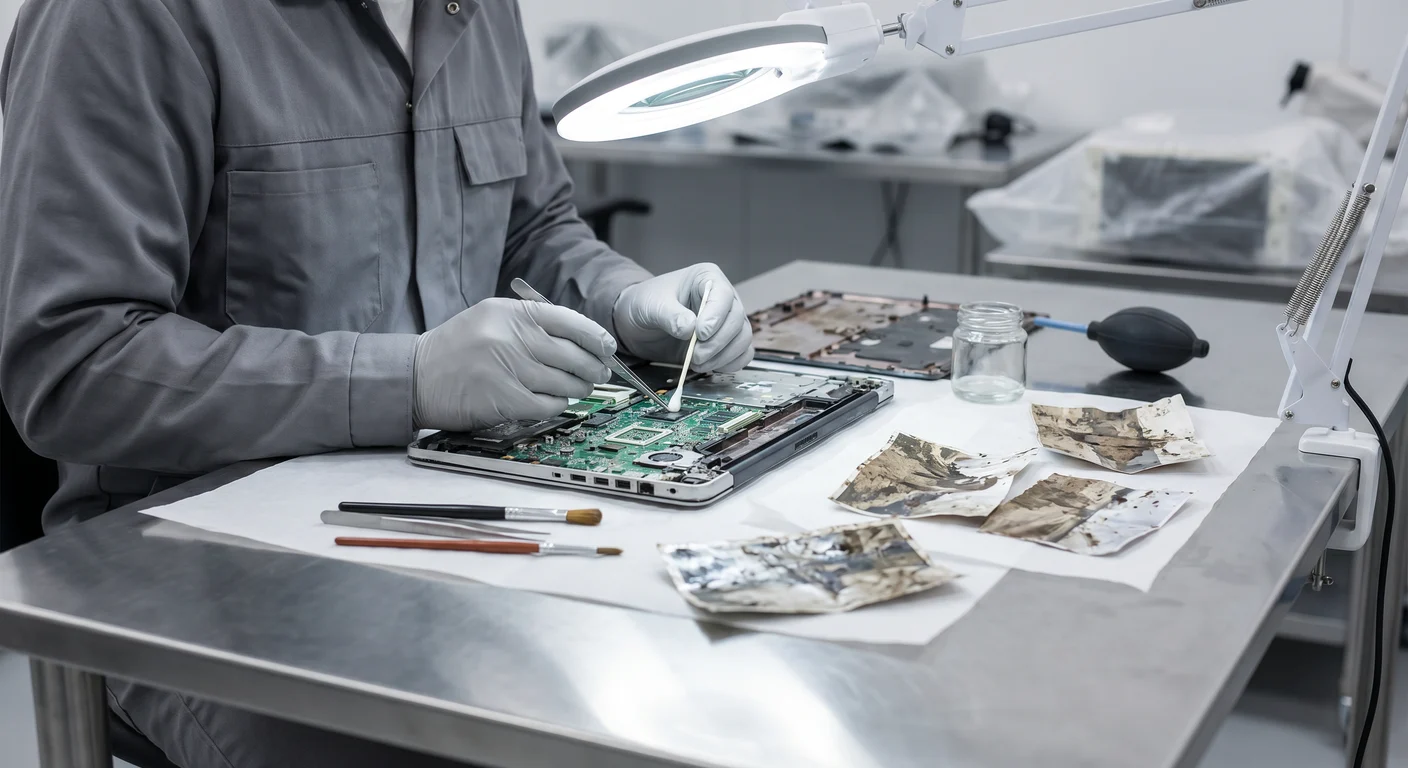
Many restoration labs use ultrasonic cleaning tanks, which use high-frequency sound waves to agitate a cleaning solution and physically dislodge contamination from every surface including cavities no brush can reach. This is the method that most dramatically separates professional restoration from DIY attempts.
- 4
Deionized-water rinse and flush
After cleaning, boards are rinsed with deionized water, which has essentially zero conductivity and does not deposit minerals. This neutralizes any remaining ions and prepares the surface for drying without leaving a new conductive residue behind.
- 5
Controlled drying
Components are dried in a controlled environment — often a low-humidity chamber or with carefully managed heat — to remove all moisture without subjecting sensitive components to thermal stress.
- 6
Testing and assessment
Once dry, the device is tested. If it powers on and functions, restoration is complete. If specific components failed, the technician assesses whether replacement is feasible or whether the device is a total loss. A total loss device still has a job: data recovery.
Device vs. Data: Two Separate Recovery Goals
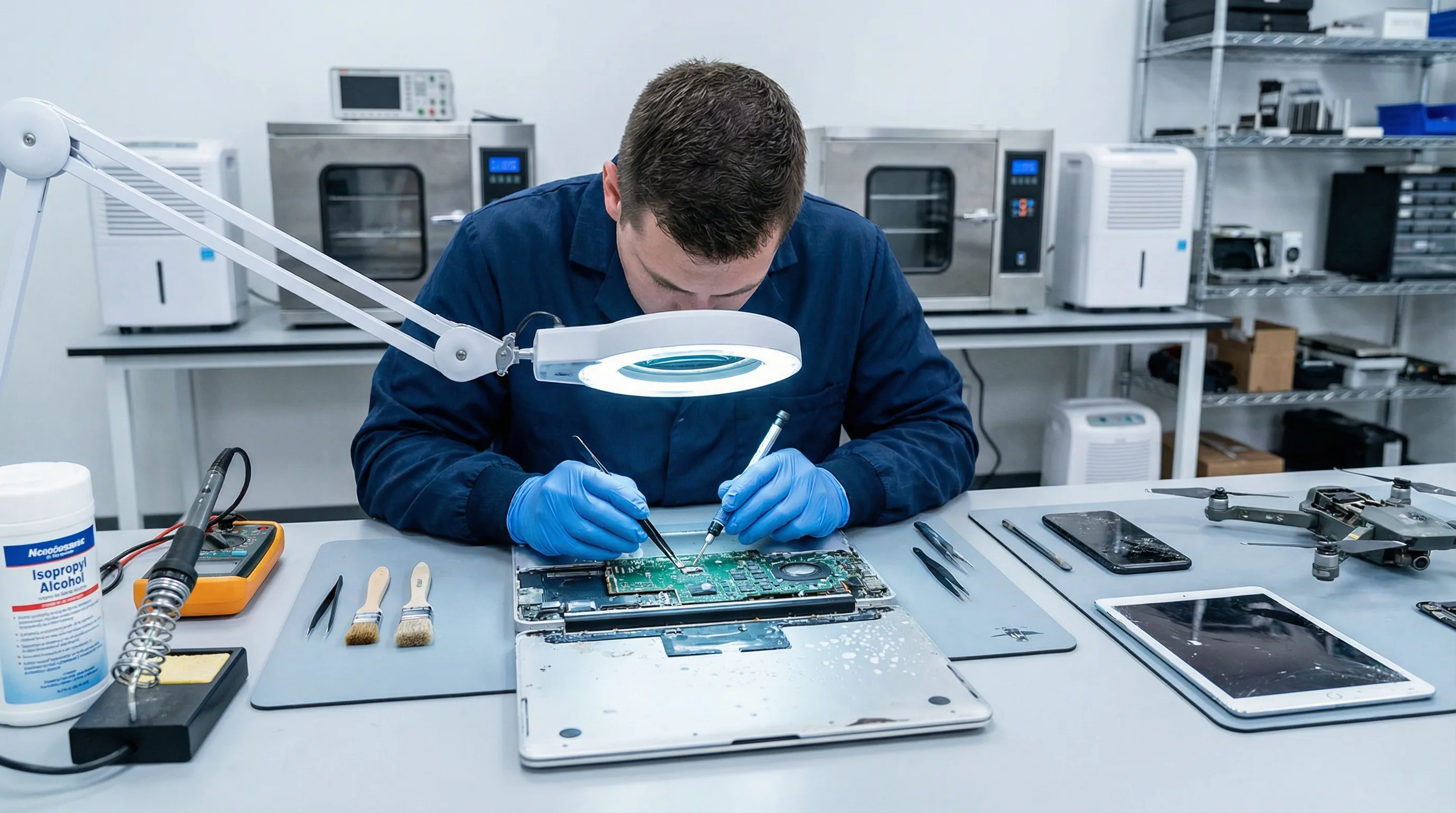
One of the most practically important distinctions in electronics recovery is the difference between saving the device and saving the data. These are separate problems, and a device that cannot be saved is not evidence that the data is gone. Hard disk drives, SSDs, and flash storage have been successfully read after severe flood and even fire exposure. The key is that the storage media is usually the last component to be permanently damaged, and professional data recovery labs have specialized cleanroom tools to read drives that will never power on again.
If you have a flood-exposed hard drive or device with irreplaceable data — family photos stored only locally, business records, legal documents — treat data recovery as a parallel, non-negotiable effort. Do not attempt to power on the drive to check if it works; even a failed attempt can make data recovery harder or impossible. The contents restoration pack-out process keeps your items traceable and gets them to the right specialist.
Rescuing Documents and Photographs
Paper documents and photographs operate on a different timeline than electronics, and the damage mechanisms are different: not corrosion, but biological degradation, ink bleed, and structural failure. Wet paper in warm, humid conditions can support mold growth within 24 hours. Heat and direct airflow — the instinctive response — can set stains, cause paper to cockle beyond straightening, and drive ink into the surface permanently. The correct first move is the opposite of what feels natural.
If documents cannot be treated immediately, the right move is to freeze them. A standard freezer halts biological activity, slows ink migration, and buys days or weeks of additional time before professional treatment. Stack documents in wax paper or plastic bags before freezing to prevent them from bonding together. Photographs present additional risk because emulsions can bond to adjacent surfaces when wet — handle them carefully, separate them if possible, and do not stack wet photos face-to-face.
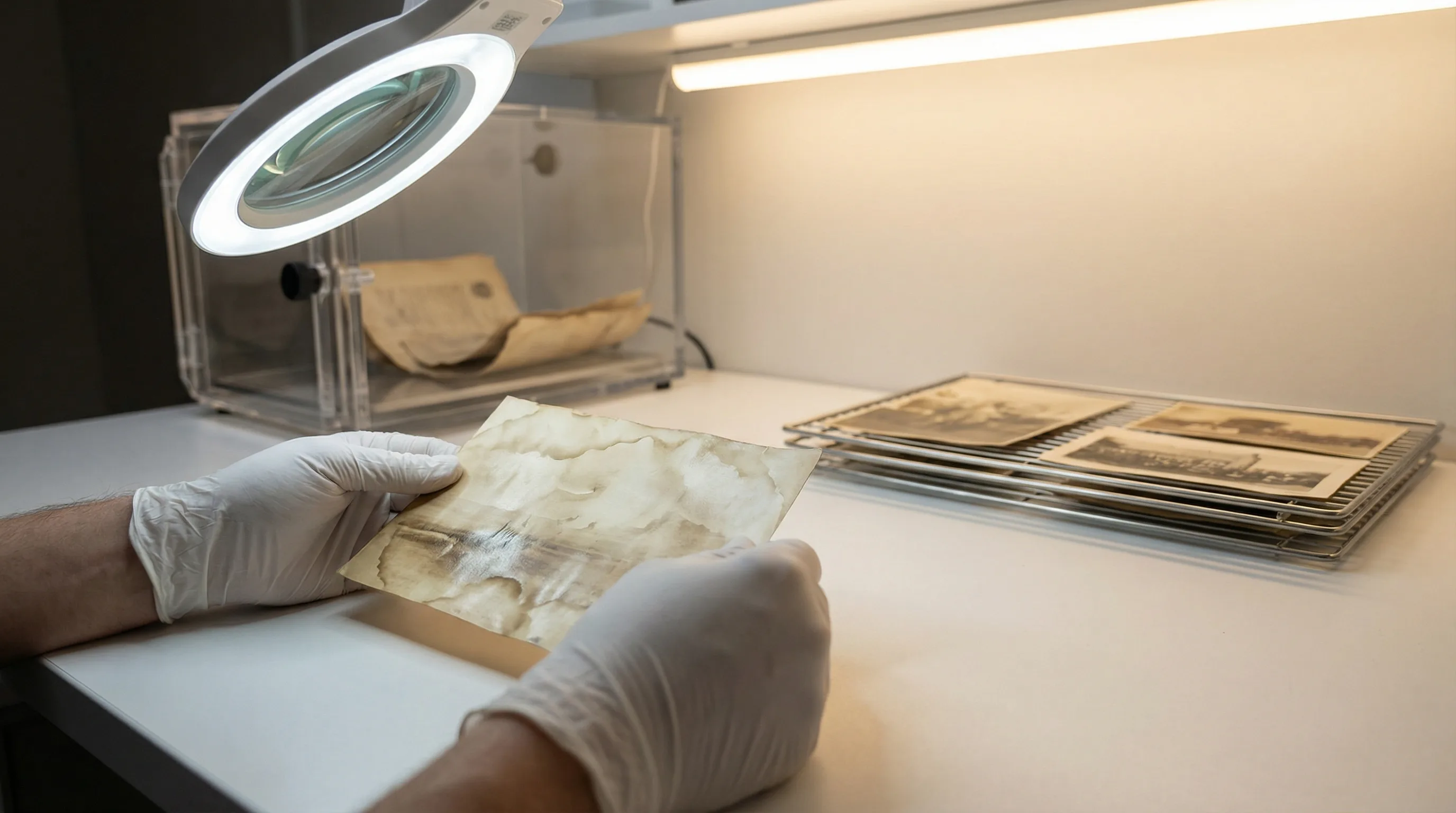
Vacuum Freeze-Drying: The Standard for Document Recovery
Vacuum freeze-drying (lyophilization) is the professionally accepted method for salvaging heavily saturated paper documents and photographs. The process works in two stages: in the first, documents are frozen (stabilizing them and halting mold and ink degradation), and in the second, moisture is removed by sublimation — converting ice directly to vapor in a vacuum chamber — without ever passing through a liquid phase. Because the moisture never becomes liquid again, it cannot spread stains, cause cockling, or drive soluble dyes further into the fiber.
The result is a document that retains its structural integrity and, in many cases, its legibility, far better than any air-drying method. Items that have been frozen and vacuum-dried are also far less likely to have mold colonization, since the freezing step halted biological activity before treatment. This matters particularly for legal documents, family photo albums, and irreplaceable records — items that cannot be reprinted. Crews handling contents restoration in Davie, FL and contents restoration in Aventura, FL are familiar with the mix of paper records, photos, and electronics that South Florida homes accumulate.
What to Save First: a Triage Framework
In the chaotic minutes after a flood, you will not be able to save everything at once. The following priority framework is based on salvage window (how fast the window closes) and replaceability (how catastrophic the loss is if the item cannot be recovered).
| Item type | Salvage window | First action | Priority |
|---|---|---|---|
| Live electronics (plugged in) | Immediate | Disconnect power / pull breaker | Critical |
| Laptops, tablets, phones | 24–48 hrs | Remove battery; do not power on; get to pro | High |
| External hard drives / SSDs | 24–48 hrs | Do not power on; bag and refrigerate if needed | High |
| Photos (loose, albums) | 24 hrs (mold) | Separate, freeze in wax paper if not treated today | High |
| Paper documents, legal records | 24–48 hrs | Freeze or refrigerate; vacuum freeze-dry ASAP | High |
| Books | 48–72 hrs | Fan open, freeze if unable to dry immediately | Medium |
| Game consoles, smart TVs | 48 hrs | Unplug; document for insurance; professional cleaning | Medium |
Triage priority for flood-exposed electronics and documents. 'Window' is the time before permanent damage becomes highly likely without professional intervention.
What Professional Contents Restoration Covers
A full contents restoration engagement does more than move items out of the damaged space. It provides: (1) a complete inventory with documentation for your insurance claim, (2) appropriate triage and routing — electronics to electronics specialists, documents to freeze-drying facilities, soft goods to textile cleaning, (3) climate-controlled storage during the structural drying and reconstruction period, and (4) pack-back once the structure is cleared. For homeowners in areas like Davie, FL or Aventura, FL dealing with a significant flood event, this coordinated process prevents the secondary losses — items that were salvageable but damaged further during an uncoordinated cleanup.
The alternative — moving everything to a garage or spare bedroom, piling it up, and addressing it later — creates conditions where mold cross-contaminates items that were not affected by the original flood, electronics continue to corrode in ambient humidity, and documentation for the insurance claim is incomplete. The pack-out is not a luxury add-on; it is the mechanism that makes targeted recovery possible.
Professional contents restoration approach
- Electronics depowered immediately; routed to ultrasonic cleaning within 24–48 hours
- Documents and photos inventoried, separated, and frozen or vacuum freeze-dried
- Full item-level documentation for insurance claim built during pack-out
- Climate-controlled storage prevents secondary damage during rebuild
- Data recovery coordinated for drives even when devices are a total loss
Common DIY mistakes that increase losses
- Powering on or charging a wet device to check if it 'still works'
- Using a hair dryer or oven to dry electronics (thermal stress destroys components)
- Air-drying documents in sunlight or with fans (sets stains, causes cockling, misses mold)
- Piling wet belongings together in a dry space (mold cross-contaminates dry items)
- Discarding an unresponsive hard drive before attempting professional data recovery
Frequently Asked Questions
Can a phone or laptop really be saved after flood damage? +
What does it mean that floodwater is Category 3? +
Can the data be recovered even if the device is a total loss? +
What is vacuum freeze-drying and why is it better for documents than air drying? +
Is it safe to handle flood-damaged electronics and documents myself? +
Related Guides & Next Steps
Contents Restoration
Pack-out, professional cleaning, climate-controlled storage, and pack-back for flood- and fire-damaged belongings across FL, NC, and SC.
Contents Restoration — Davie, FL
Electronics, documents, and personal property recovery for flood-affected homes and businesses in Davie.
Contents Restoration — Aventura, FL
Contents pack-out and recovery services for Aventura, FL — a Miami-Dade coastal community with high hurricane and storm-surge exposure.
IICRC — Industry Standards for Restoration
The IICRC S500 (water) and S520 (mold) are the professional standards governing how restoration crews handle contaminated contents and structures.
Water Restoration
Structural drying, extraction, and moisture verification — the services that address the underlying flood before contents recovery begins.
Flood-damaged electronics or documents? Call before you try to dry them out.
The 24-hour window closes fast. Palm Build's contents restoration crews deploy 24/7 across Florida, North Carolina, and South Carolina — documenting, packing out, and routing your belongings to the right specialists so corrosion and mold do not make the loss permanent.
Found this helpful? Send it to someone who needs it.